

A building firm's website has five items in its menu, and one of them is "Past work". Behind it is a grid: forty-eight photos of bathrooms, terraces, kitchens and facades. The photos are good. The light is right, the tile joints are straight and there is no rubbish lying about. There is not one word next to any of them.
A person who is weighing whether to give this firm their bathroom renovation scrolls through the grid. They feel good about it. Then they put the phone down and know exactly as much as before: they do not know whether any of those bathrooms was as small as theirs, whether the job took two weeks or two months, whether it was in Tallinn or in Pärnu, or whether it cost three or thirty thousand euros.
A gallery answers a question nobody asked
A grid of photos says one thing: we can make nice things. The reader already assumes that. If they did not, they would not be on your site.
Their real question is narrower: have you done something like mine? The same old house, the same awkward corner, the same budget, the same problem. A photo does not answer it, because a photo does not show what was there before, what was hard and what it all cost. A photo shows the result from one angle in good light. And the result is the part where all your competitors look equally good.
That is why a nice gallery does not set you apart. It has the same bathrooms and the same terraces. The difference comes from words: what you say about one specific job.
What one job has to tell the reader
The description of one job does not have to be long. Five to ten sentences are enough, if they answer the right questions.
- What was there before. What the client's problem was: a floor falling apart, a kitchen too small, a roof leaking in two places. The reader recognises their own problem here faster than in a photo.
- What was done. The scope in plain words: 6 square metres, underfloor heating, a new drain, walls stripped back to the logs. Not "a complete solution".
- When and how long. The month and year, and how many weeks the job took. If the weather or a delivery caused a delay, say so.
- Where. The town or parish is enough. The exact address is not needed, and often the client would rather not see it there.
- What it cost. A range is better than silence. How to put a price on the page when every job is different is covered in the article on the pricing page.
- What went differently. One sentence on what changed from the plan and how it was solved. This is the sentence a competitor's page does not have, and it is the sentence that shows you are talking about a real job.
If the client is willing to say one sentence in their own words, put it next to the job. How to ask for that sentence so that the answer is more than "everything was great" is the subject of the article on testimonials.
Ten written-up jobs say more than a hundred photos
If every job needs text, the obvious question is whether all hundred jobs have to be written up. They do not. Pick ten. Three is a good start too.
Pick the ones you want to do more of. A past work page does not only show the past, it also steers who writes to you next. If the page holds twenty small repairs, small repair enquiries arrive. If it holds three large renovations with a price and a timeline, the person who writes is one who has a large renovation planned and already knows roughly what it might cost.
Pick different jobs as well. Three nearly identical bathrooms say the same thing three times. One small, one large and one difficult bathroom answer three different readers.
The other photos do not have to go. They can stay at the end of the page as a gallery. But the reader has to see first the jobs that answer their question.
Each job on its own page
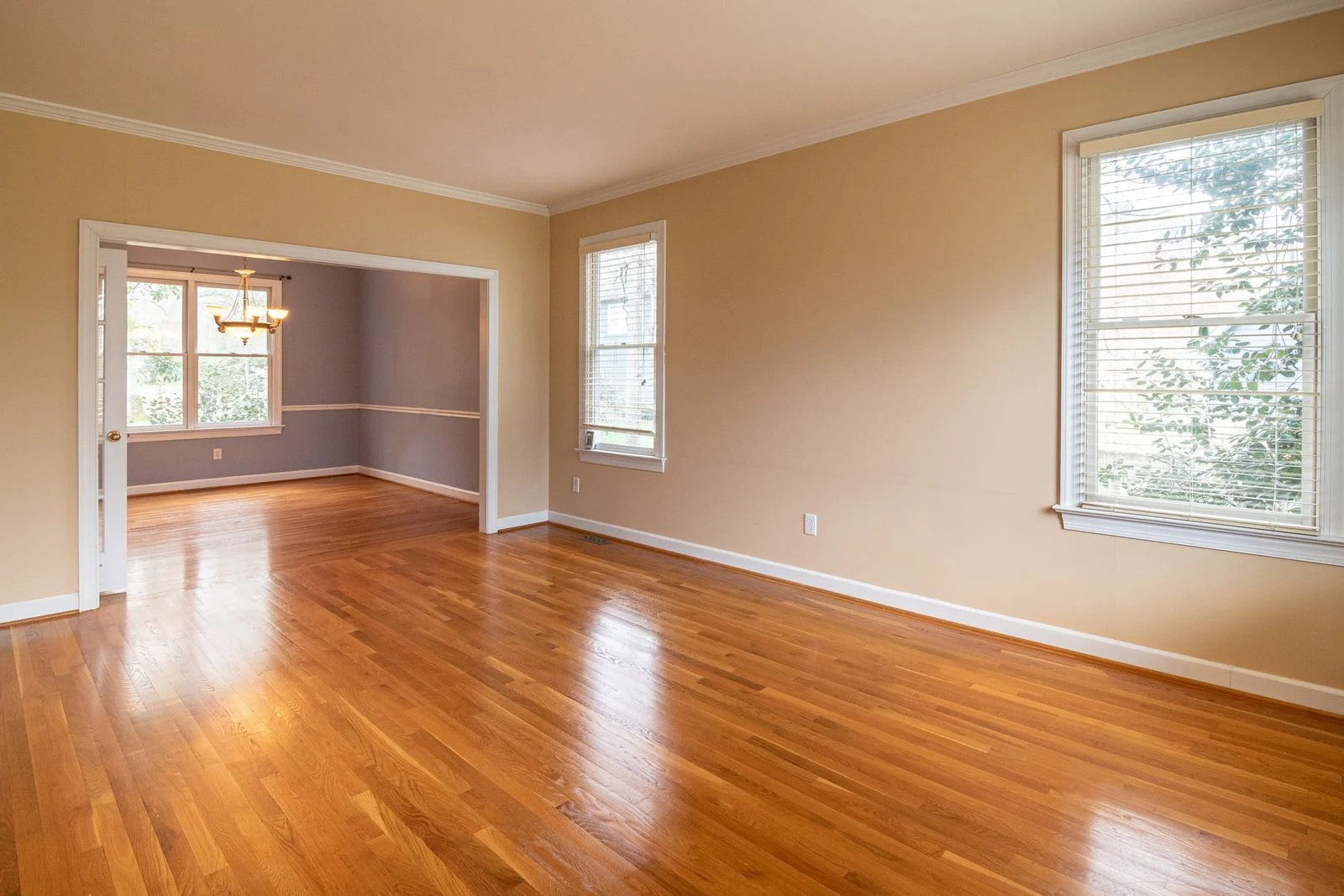
If every job is one photo inside one big page, it is hard to find and impossible to share. If every job has its own page with its own heading and address, three things change.
First, the page can be found in search. A person searching for "log house facade painting Viljandi county" will not find your gallery, because the gallery does not contain those words. A page headed "Log house facade painting in Viljandi county, 2025", whose text says what was done, they may well find. Several such pages together show search more clearly than one general service description what you do and where.
Second, you can use the page yourself. When an enquiry comes in and the client describes their house, you can answer with one link: we did a similar one last summer, here is what it was and what it cost. That is a better answer than "have a look at our website".
Third, a job page can be tied to a service. Under the bathroom renovation page you can link three bathroom jobs, and from a job page you can lead back to the service and the enquiry. That way the reader's path does not end in a gallery with nowhere to go next.
Ask before you take the photo
A photo of a home says more than its owner thinks. The neighbour's house shows through the window, family photos hang on the wall, the car stands in the yard with its number plate. A recognisable face in a photo is personal data, even if the person does not notice it. If the job is in somebody's home, ask first.
The simplest way is to agree on it at the start, while you sign the contract. One sentence in the quote or the contract is enough: at the end of the job we take photos and may show them on our website without the address and name, if you do not object. Most people say yes. Those who say no say it at the start, not when the photo is already up.
A business client often wants the opposite: for their name and logo to be visible. That is consent too, and it has to be asked for, not assumed.
If the client does not allow the job to be shown, it can still be written up. Describe the job without photos, or show a detail: the edge of a new window flashing, a joint, a seam. For the reader this is often more useful than a general view of the room. And never fill the gap with a stock photo that looks like your work. Why that is a bad idea on the licence side too is in the article on where your site's photos come from.
Before and after, honestly
Before and after photos are the strongest part of a past work page, as long as they are honest. Take both from the same spot, at the same height and, if you can, in the same light. If the before photo was taken on a phone on a dark evening and the after photo in sunshine with a good lens, the reader sees a difference in light, not in work.
Do not change the colours. A filter that makes wood warmer or tiles lighter is a promise you cannot keep. The client chooses the material from your photo and is disappointed when their own floor looks different. That is not their fault.
The before photo has to be taken before the work starts. That sounds obvious, but it is exactly the photo most often skipped, because on the first day everybody is in a hurry. Put it first on the job list.
The date the reader looks at
The reader looks at when the job was done. If the latest job on the page is from 2019, they do not think you do good work. They wonder whether you are still trading at all. Why an old date weighs so much on a page we wrote about at more length in the article on old news.
Old jobs do not have to be deleted. A good old job stays a good job, and a ten-year-old roof that is still sound is evidence of its own. But put the newer ones first and add a couple of jobs a year. It is less work than it seems, if you do it at the right time.
A quarter of an hour on the day of handover
The hardest time to write up a job is half a year later. By then nobody remembers how many square metres it was, what went differently or where the photos are. The easiest time is the day the job is handed over.
- Take ten photos from the same spots you took the before photos from.
- Write five sentences in your phone's notes: what was there before, what was done, how long it took, where it was and what went differently.
- Add the price range.
- Ask the client for one sentence and confirm whether the job may be shown without name and address.
That is a quarter of an hour. It can go onto the website later, by you or with whoever looks after your site. A page can be made from the raw material a month later. From memory, a month later, it cannot.
And if you want to start now, open your past work page on your phone today. Pick three jobs you would like to do more of. Next to each, write the answers to the six questions in the list above. Wherever a question has no answer, that is a place where your page is silent right now.
Frequently asked questions
Five to ten sentences next to each job you show: what the client's problem was, what exactly was done, when and how long it took, which town or parish it was in, the price range and what went differently from the plan. If the client agrees, add one sentence in their words. The photos go beside the text, not instead of it.
If the job is in somebody's home, always ask. A photo can hold more than it seems: the neighbour's house, family photos, a car's number plate or a person's face, which is personal data. The simplest way is to add one sentence to the quote or contract saying the job may be shown without the address and name. Ask a business client whether they want their name and logo shown.
Three to ten written-up jobs beat a hundred photos without text. Pick jobs you want to do more of, and pick different ones: one small, one large and one difficult. The other photos can stay at the end of the page as a gallery.
Yes, at least as a range. A written-up job with a price is a price and proof at once: the reader sees the scope and what it cost, and can tell whether their own job is in the same range. If the client does not want the exact sum shown, a range is enough.
For your best jobs, yes. A page of its own with a heading and text can be found in search, can be sent as a link when you reply to an enquiry, and can be tied to the service page. A photo inside one big gallery does none of these three.
Read next

The ads bring clicks, but the phone does not ring. Often the fault is in neither the ad nor the website, but between them: the page the click lands on. What a person wants to see on the first screen after the click, why Google judges that page too, and how to check your own ads on a phone in ten minutes.