

Ask the owner of any small business where the photos on their website came from. What usually comes back is a pause.
That is not stupidity. The photos were put there by somebody who no longer answers email: an agency that closed down two years ago, a student who had one summer free, or a former marketing person who found a good photo and put it on the site. The site has been carrying those photos for four years now, and in all that time not one person has given them a moment's thought.
It is a quiet risk. It does not slow the site down, it does not spoil your search results, and no customer will ever notice it. It stays invisible right up until a letter arrives. It is also one of the very few things on a website that a non-technical owner can genuinely check without help.
A small warning before you read on: this article is not legal advice. We are not lawyers and we do not know your company's situation. It is a list of the things we see on websites in practice, together with how to check for them yourself.
If you have a specific worry about a specific photo, the right person is a lawyer, not an article.
The four ways a photo gets onto a site
Technically a photo is one thing: a file in the media library. By origin they are four completely different things.
- Photographed by you or for you. Your own phone, your own workshop, or a photographer you paid. The clearest case, and usually the smallest share of the site.
- Taken from a stock library under a licence. Somebody went to a stock site, picked a photo and took it away with conditions attached. Conditions is the word to hold on to; we come back to it in a moment.
- Taken off a search results page because it looked right. Right click, "Save image", into the media library, onto the page. Three seconds of work.
- Generated by a machine. You typed a sentence into a tool and got a picture.
In our experience the third one is the most common. And it is almost never malicious. It is somebody in a hurry, who had to get the page finished by Thursday, and who did not know there was a question here at all. The photo was on the screen, it was downloadable and it fitted. There was no more thinking involved than that.
A search results page is not a source
Image search is a catalogue, not a shop. It shows you where a picture exists on the internet. It does not tell you who made it, or what you are allowed to do with it.
Two things get mixed up here more often than anything else.
First: visible does not mean free. Every image you can see on your screen has already been downloaded to your computer, otherwise you would not be seeing it. "Save image" is therefore not permission of any kind, only a second copy of the same file. Your browser asks nobody for anything.
Second: "it was on the internet" is not a licence. Permission is something a person gives you. It does not arise from a file being publicly reachable, and it does not arise from the same photo already sitting on ten other websites. Ten sites using a photo without permission are ten instances of the same thing, not evidence.
And one honest addition that articles like this one usually skip: sometimes the origin of a photo genuinely cannot be found. The old site it was taken from is gone, no author is named anywhere, and there is no paperwork in any folder. That is not laziness on anybody's part, it is information that no longer exists. What to do with a photo like that is at the end of this article.
What a licence actually is
A licence is permission with conditions attached. The permission is the part everybody notices. The conditions are the part nobody reads.
In practice it is usually these five that bite:
- Is commercial use included? Some photos are given for personal use. A company website is not usually treated as personal use, not even when the company is one person, but that is decided by the wording of the particular licence rather than by a general rule.
- May the photo be modified? Cropping, changing the colour, putting text over it, dropping a logo into the corner. Some permissions cover all of that, some cover none of it.
- Is credit required, and where? One set of conditions wants the name next to the photo, another allows it on a page of its own. A separate credits page that nothing links to is too little for some conditions.
- Whose name is the permission in? If an agency bought the photo through its own account, the permission may belong to the agency rather than to your company. When the relationship ends, the site stays with you and the permission stays with them. Almost nobody asks about this before the relationship ends.
- Has the person in the photo agreed? A stock licence covers the photo, not the person. A recognisable face in an advert is a separate question, and a stock library does not settle it on your behalf.
And one word that misleads more than all the rest put together: "free" describes the price, not the permissions. A free photo may require a credit. A free photo may be meant for personal use only. Zero euros does not mean do as you like, it only means no invoice arrived.
How to go through your own site today

This part needs no technical person. It needs access to the admin side of your own site and about an hour.
- Open the media library and see how many images are in it. In most tools it is called "Media". The number itself is usually the first surprise: a three-page company site often holds several hundred files, because the images from long-deleted pages are still there.
- Sort by upload date. A batch of files arrived while the site was being built, usually within a couple of weeks. Everything that arrived after that came from somebody else: a member of staff adding a news item, an intern, you yourself. That is where the photos nobody can account for live.
- Write down the ones you do not recognise. Not every photo, only the ones where you cannot say who took it.
- Run a reverse image search. Save the file to your computer and upload it into an image search. Several of the large search engines can search by picture rather than by word, and you will see where else that same image sits on the internet. If it turns up on ten unrelated sites at once, the odds are it came off a results page in the first place. If it turns up on a stock library, you have a name to ask next.
- Write one line about every photo you keep. Where it came from, who took it, on what date and on what basis. One sentence, not a document.
That list is the whole point of the exercise. Not the photos, but the one line about each of them.
A company that has the list answers a letter in ten minutes: here is the photo, here is where it came from, here is the date. A company without one starts in a panic and spends two days trying to find whoever built the site in 2022.
Where the list lives does not matter. A spreadsheet in a shared folder works, for as long as somebody keeps filling it in.
Machine-generated images
A generated image settles one question: there is no author who might call. We see more of them on client sites than we used to, and we use them ourselves. The honest answer is that it settles one question and opens others, and that those others are not yet settled.
- The terms differ between tools, and they change. What you may do with a generated image is written in the terms of the service it came from, and those terms are not the same everywhere. Put the name of the tool and the date on the same line as the origin of everything else.
- The argument about what the models learned from is still running. We do not know how it ends. Anyone who tells you they know is telling you what they think.
- And then there is trust. If your site shows a photo of a workshop that does not exist and a team that does not exist, that does something to the reader as well. A customer who turns up and finds a different room has lost something no set of terms gives back.
Our own rule: a generated image will do for the abstract and the decorative, a background or a pattern. Not for people, rooms or products. If an image makes a claim about your company, it has to be real. If it is only filling an empty space, it may be made.
The cheapest photo is the one you take yourself
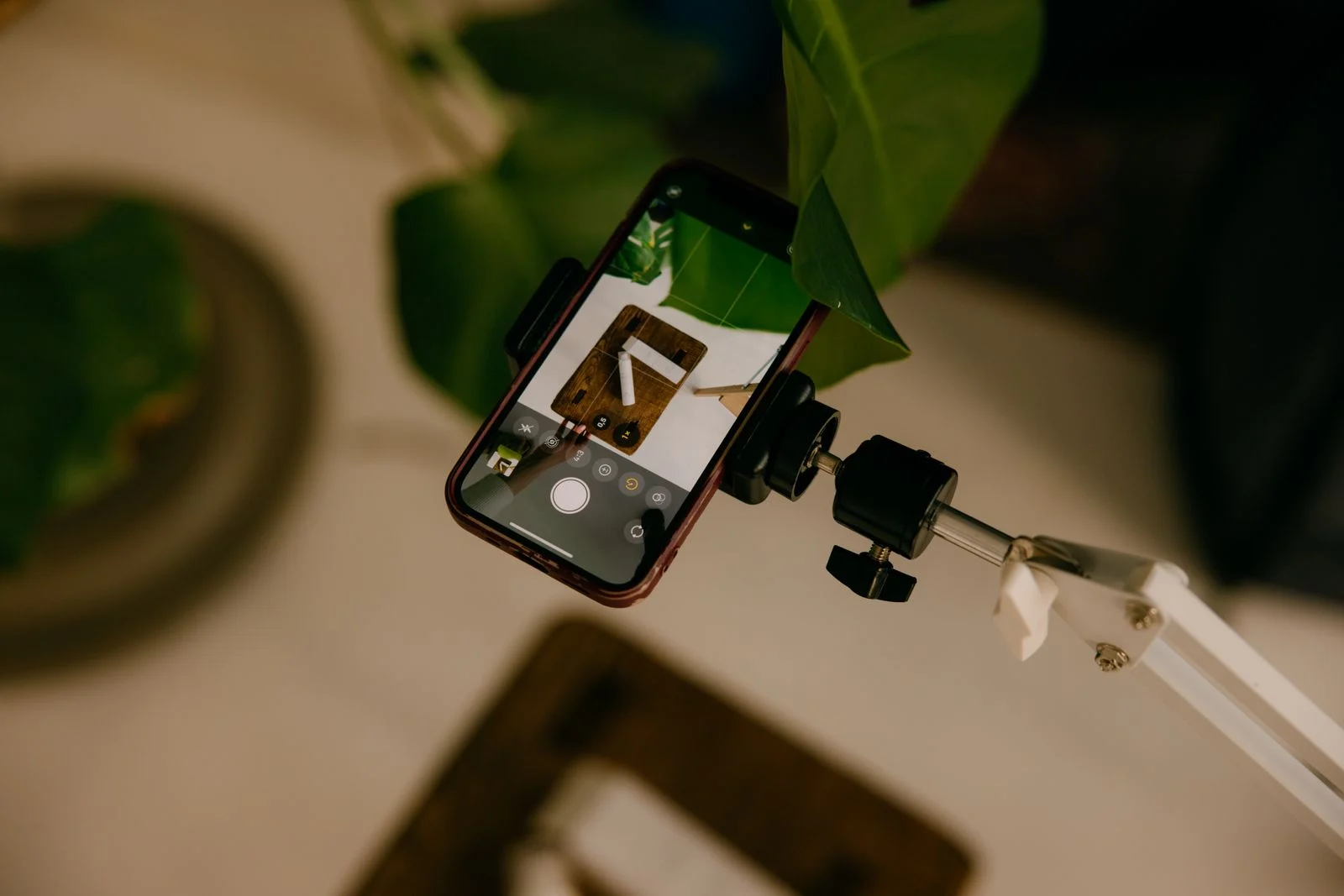
Now for the advice that sells us nothing. On a great many small business sites, the strongest set of photos available would be one afternoon with your own phone.
A stock photo is technically flawless and completely anonymous. The same smiling team in the same glass-walled office looks out from other Estonian websites too, and your reader has seen it somewhere before. Your actual workshop is not as pretty. It is, on the other hand, yours, and it tells a customer something a stock library cannot.
Five things that help even if you are not a photographer:
- Shoot in daylight and switch the ceiling lights off. A window to one side gives you light you do not have to pay for. A yellow ceiling lamp mixed with daylight puts two different colours into one photo.
- Tidy the frame beforehand rather than the photo afterwards. One coffee cup, one tangle of cables or one loud poster in the background ruins a photo more reliably than the wrong camera. Just move them out of shot.
- Step closer. Hands at work, a tool, something half finished. A close-up beats a wide view of an empty room almost every time.
- Take ten photos of everything, not one. You delete nine. The tenth is the one you went there for.
- Shoot some of them landscape. A phone wants to be upright and a website wants a wide frame. If all you have is upright photos, every page ends up with cropped edges.
What we do ourselves
Every photo on this blog is pinned to one exact file at the stock library, with the photographer's name and a link to their profile recorded next to it. Not looked up later, but saved together with the article. That means that when the blog gets redesigned in a few years, or the whole site is exported somewhere else, the credit travels with it: it does not live in the design or in anybody's memory, it lives on the photo. We do the same for clients. Building a new site includes recording where each photo came from, in a place it cannot get separated from the file.
When you find a photo you cannot account for
The most important sentence in this article is this one: a photo of unknown origin is a replacement, not a crisis.
Swapping one photo is a ten-minute job. Find a replacement at a stock library whose conditions you actually read, or take a new one yourself, upload it and swap the old one out. Delete the old file from the media library too, not only from the page, because a file removed from a page is often still sitting at the address it was uploaded to.
If there are thirty photos like that, do not take them all on at once. Start with the most visible places: the front page, the service pages, the header. Replace the rest as you touch those pages anyway. That way it stays something you do in passing, rather than a project you have to find time for.
And then there is the part that keeps coming back. Photos drift exactly the way everything else on a site drifts: somebody adds an image to a news item, and six months later the list is patchy again. Which is why the list belongs with web management: a new photo gets its line on the day it is uploaded, not a year later from memory.
Our compliance audit covers the other quiet risks on a site, but here is the limit that applies to every machine: no automated check can see where a photo came from. Only the person who uploaded it knows that, or the list you make yourself. So if you read this far and do only one thing, open your media library and sort it by date.
Frequently asked questions
Image search is a catalogue, not a shop: it shows where a picture exists on the internet, but not who made it or what you are allowed to do with it. Visible does not mean free: every image you can see on your screen has already been downloaded to your computer, so “Save image” is not permission, only a second copy of the same file. The same photo already sitting on ten other websites is not evidence either, only ten instances of the same thing. Permission is something a person gives you.
No. “Free” describes the price, not the permissions: zero euros only means that no invoice arrived. A licence is permission with conditions attached, and the conditions are the part nobody reads. Five things are worth checking: whether commercial use is included, whether the photo may be modified, whether credit is required and where, whose name the permission is in, and whether the person in the photo agreed. A free photo may still require a credit, or be meant for personal use only.
You do not need a technical person, only your own site's admin side and about an hour. Open the media library and sort the files by upload date: a batch arrived while the site was being built, and everything later came from somebody else. Write down the ones where you cannot say who took the photo, and run a reverse image search on them: upload the file into an image search and see where else that same picture sits. Then write one line about every photo you keep: where it came from, who took it and on what date.
A generated image settles one question: there is no author who might call. It opens others, and those others are not yet settled. The terms differ between tools and they change, so what you may do with a generated image is written in the terms of the service it came from. The argument about what the models learned from is still running. Our own rule: a generated image will do for the abstract and the decorative, but not for people, rooms or products - if an image makes a claim about your company, it has to be real.
A photo of unknown origin is a replacement, not a crisis. Swapping one photo is a ten-minute job: find a replacement at a stock library whose conditions you actually read, or take a new one yourself, upload it and swap the old one out. Delete the old file from the media library too, not only from the page, because a file removed from a page is often still sitting at the address it was uploaded to. If there are many of them, start with the most visible places: the front page, the service pages, the header.
Read next
The people your design quietly excluded are not the ones you picture. Seven checks you can run today, and one five-minute test that tells you more than the rest.